


Identifying 10 Common Customer Pain Points, Plus the 3-Step Process to Resolve Them & Repair Customer Relationships
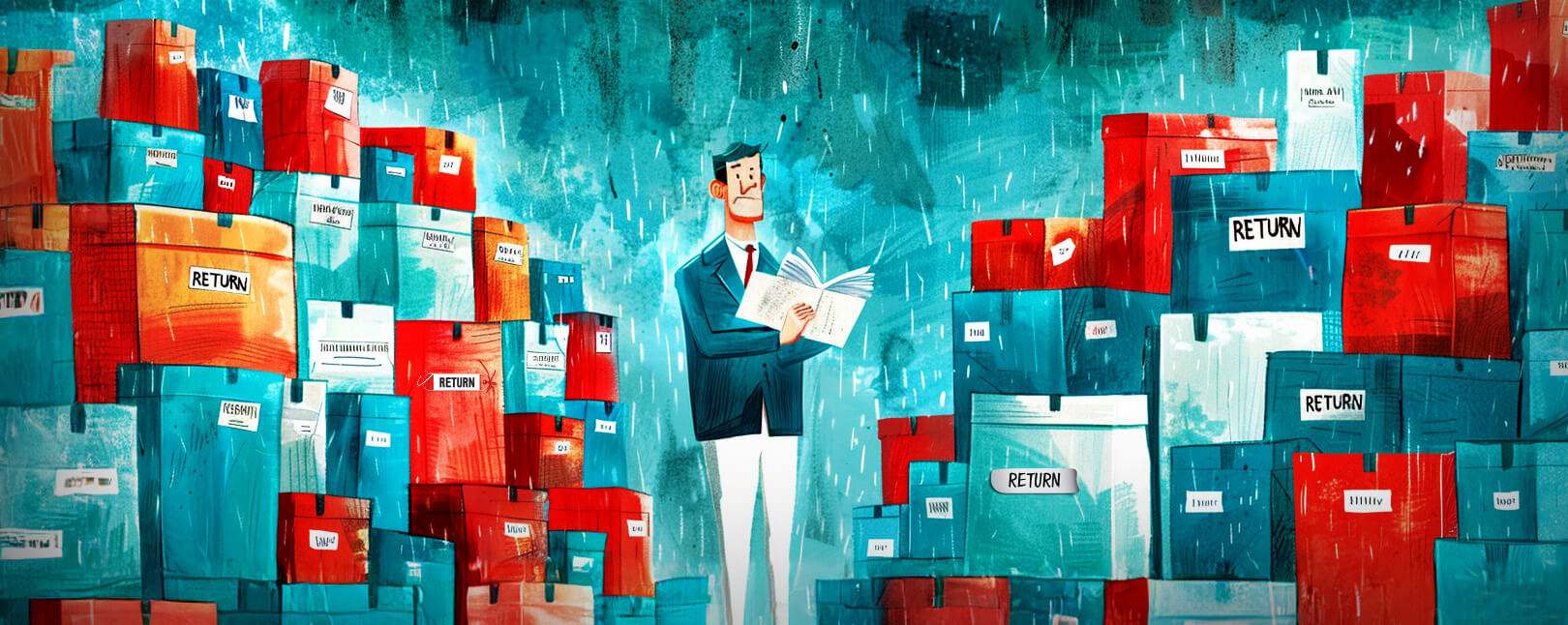
When it comes to friction in the transaction process, there are some helpful barriers that serve as necessary speedbumps to stop fraud, buyer’s remorse, and other problems. Then, there are unnecessary roadblocks that do nothing but frustrate customers and lead to cart abandonment, returns, and chargebacks. Learning to differentiate between the two is a key skill for merchants.
We’ve discussed the concept of dynamic friction in the customer experience a few times on our blog. But even if you understand the concept, it can still be a somewhat vague and abstract idea. In this post, we’ll examine those customer pain points and see how they impact your buyers (and your bottom line).
Recommended reading
- Prime Day 2024: How to Avoid Chargebacks on the Big Day
- Top 15 Customer Returns Reasons in 2024 & How to Avoid Them
- Online Shopping vs In-Store Shopping: the Future of Retail?
- What is a Return Customer Rate? How to Calculate Your RCR
- eCommerce Order Tracking: Provide the Best CX Possible
- How “Super Apps” May Help Better Serve Your Customers
What is a Customer Pain Point?
- Customer Pain Point
A customer pain point is a specific problem endured by potential customers. It’s a part of the customer experience that serves no helpful purpose and only serves to create negative friction and drive away buyers.
[noun]/pān • point/If friction represents resistance in the customer experience, then pain points are the individual factors that cause that resistance. A simpler way to explain this is to think of transaction friction — specifically the negative kind — as the cumulative impact of all the pain points your customer experiences.
When you try to make a sale, you’re essentially trying to convince a potential customer that your product is worth buying. Every pain point you allow in that process is an argument against you.
Even more than that, customer pain points can lead return customers to quit using your service. Buyers could demand a return, or even file a chargeback. And, they’ll be more likely to share their bad experiences with other consumers online.

10 Most Common Customer Pain Points
Customers aren’t shy about sharing when they have a disappointing experience. This is bad because when your buyers take to social media to express their frustration, it can cause long-lasting reputational damage that no merchant wants.
But what causes customer friction? Generally speaking, in a B2C vertical like retail, there are ten customer pain points that a buyer might run up against:
#1 | Financial Pain Points
The product simply costs too much, or added costs such as shipping are more than the customer is willing to pay.
Financial pain points are probably the foremost concern for consumers. While the average consumer is always pretty concerned about price, value, and savings, there are a variety of pain triggers within this category, requiring different solutions.
These may include:
- Longevity: How long the product can be expected to last. If the goods will not hold up as long as the customer expects, then they will reject the purchase.
- Expense: Not providing options like BNPL or BOPUS can give some shoppers sticker shock and discourage them from buying. However, some customers are put off by purchase plans and will eschew businesses that feature them altogether. Striking a delicate balance between both is crucial for most businesses.
- Value: A lot of consumers consider higher-dollar items to be higher-quality items that they’ll purchase, no matter the cost. Others select items with the same relative ingredients or materials, but at lower prices, or will compare both to seek the best deal. The point here being that consumers want the best products at the lowest possible prices, as a general rule.
#2 | Process Pain Points
Trouble submitting applications, connecting to the right department, complex terms of service and refund policies, etc.
At their core, process pain points occur on the administrative end of your business. If a customer has issues applying for programs on your platform, inputting passwords, or is struggling to view or pay a bill or make a purchase, odds are they may get frustrated and quit before completing a purchase.
Process issues aren’t always quickly identified or easily resolved. These complaints generally boil down to problems within your internal business practices and require deep analysis and introspection to mitigate.
#3 | Productivity Pain Points
Broken navigation, redundant information fields, and other unnecessary, frustrating, and time-consuming experiences.
Essentially, productivity pain points are issues with efficiency. The more complex and nebulous their shopping experience is, the less traffic you can expect on your website or app. By extension, this also means fewer conversions you can look forward to.
To point out a perfect example, think about how popular fast food restaurants are. Everyone is pretty well aware by now that fast food is generally “bad” for them, but diners still visit franchise locations by the millions each day. Why? Because it’s easier than cooking, and is less expensive than eating in a sit-down restaurant.
We’re in no way urging anyone to sell customers things they don’t need, or which are bad for them in some way. We’re only saying that an uncomplicated, simple process is important to your customers. Simplicity and convenience are always in demand.
#4 | Support Pain Points
Poor, intermittent support service that fails to meet your customers’ needs, both pre- and post-transaction.
When a customer needs help with a product or service, the last thing they want is a runaround. They want to discuss the issue with someone when they experience it, rather than toggle through endless, looping menus. This is especially crucial for any company that offers digital goods and services that require frequent updates or may be prone to occasional tech problems.
Make sure that customers can get the support they need, as quickly as is possible.
#5 | Customer Service Pain Points
Spotty, inconsistent, or rude customer service agents and methods can also be a serious hindrance to customers.
No one wants to shop where they feel ignored, can’t find help when they need it, or when treated poorly. Customer service is the linchpin of every business; yours is no exception.
If your customer service leaves anything to be desired, consumers will certainly let you know… one way or another. It may come in the form of of lost sales, bad reviews, or even chargebacks.
#6 | Product Transparency Pain Points
Hidden fees, inaccurately labeled products, and damaged or defective merchandise.
Many merchants out there are loath to broadcast their terms of service. The reason for this is often that their products or services carry hidden fees or penalties that would be unattractive to most consumers. This thinking can actually cause several huge issues, though. Buyers may feel cheated, and skip directly to the chargeback process.
To be blunt, hiding the details of your products or services is a bad look. It’s far more profitable (and less headache-inducing) on the post-transaction side of things to be as transparent and forthcoming as possible with customers.
#7 | Omnichannel Shopping Pain Points
Mis-targeted marketing campaigns, complicated cross-promotion, channels that aren’t communicating, and misaligned branding.
Does your business feature more than one location with online sales components? Do you operate across multiple sales channels simultaneously? If so, it’s wise to ensure each location is collaborating with one another to provide maximum brand unity.
If a customer receives a promotional email, and is told they can redeem it at any of your in-store locations, for example, then each of those locations must be participating in that promotion.
#8 | Checkout Pain Points
Pop ups, excessive data fields, input entry glitches, and invasive marketing schemes.
Problems at checkout can lose you sales. While it’s certainly important to verify each customer and authenticate every transaction, excessive data-gathering and promotional options should be limited.
Most financial advisors and industry insiders will tell you that the fewer steps between a customer and checkout, the better. This can lead to fewer card declines, more sales captured, and happier customers.
#9 | Tracking and Delivery Pain Points
No tracking information after checkout, no tracking follow-up, late delivery, or lack of delivery notifications.
Remember: most customers expect to have a general idea of when their order will arrive before your follow-up email.
If you don’t have tracking options enabled already, you will likely need to invest in your infrastructure to address these issues sooner rather than later. Logistical pain points are entirely avoidable with a little forethought and planning.
#10 | Fulfillment Pain Points
Items delivered not as they were ordered: missing parts, wrong color, wrong size, damaged items, etc.
Lastly, any issues that relate to the fulfillment of an order are particularly painful for customers. Fulfillment issues can cost you big money on the backend of the sale if a customer decides to file a dispute with their bank about it later.
Every business is run by imperfect human beings that make mistakes. However, that’s all the more reason to make this one particular area an extreme priority for you and your employees.
How to Identify Specific Customer Pain Points
Despite how ominous all this seems, there is a silver lining: each customer complaint presents an opportunity to improve.
Listen to your customers and place yourself in their shoes. By doing this, you can become much more effective at identifying and resolving the customer pain points that deter buyers and cause other problems. Here’s how you can get started:



Taking a Top-to-Bottom Approach
Customers want to be heard. Addressing the customer pain points identified by your customers shows that you care about their experience.
Of course, it’s near-impossible to provide that level of individualized attention to every single customer. Plus, engaging with customer objections via social media is reactive. You’re seeking to make amends for past issues, rather than identify pain points before they cause problems. That’s why social listening shouldn’t be the only method you employ to identify your customers’ pain points.
Social media offers important insight, but only one in twenty customers will actually vocalize their complaints online. Meanwhile, the average customer will tell 15 friends about a negative brand experience.
Many of the same pain points that deter buyers can also lead customers to request chargebacks. That’s why at Chargebacks911®, we recommend a top-to-bottom review to track down and identify customer pain points and potential chargeback triggers before they cause problems.
Our approach employs a 106-point holistic process, ensuring optimal results for clients. Armed with in-depth data and expert insight, Chargebacks911 can help you provide better customer experiences, grow your sales, and protect your revenue from disputes.
FAQs
What is a customer pain point?
A pain point is a specific problem endured by potential customers. It’s a part of the customer experience that serves no helpful purpose and only serves to create negative friction and drive away buyers.
If friction represents resistance in the customer experience, then pain points are the individual factors that cause that resistance. A simpler way to explain this friction — specifically the negative kind — is to see it as the cumulative impact of all the pain points your customer experience.
What are some of the most common customer pain points?
There are hundreds of potential issues that could affect your bottom line when examining customer pain points. That said, a few of the most common customer pain points are financial roadblocks, process errors, productivity slowdowns, support failures, and customer service issues.
How do I find out what my customer’s pain points are?
By listening to customers and placing yourself in their shoes, you can become much more effective at identifying and resolving the customer pain points that deter buyers and cause other problems. Social listening is key, as is mapping the customer journey.
How do I resolve common customer pain points?
Removing the barriers that frustrate your customers will streamline processes, making customers more likely to complete purchases and less likely to request returns or file chargebacks. Plus, demonstrating that you hear your customers — and care about what they have to say — is a great way to build customer affinity for your brand.